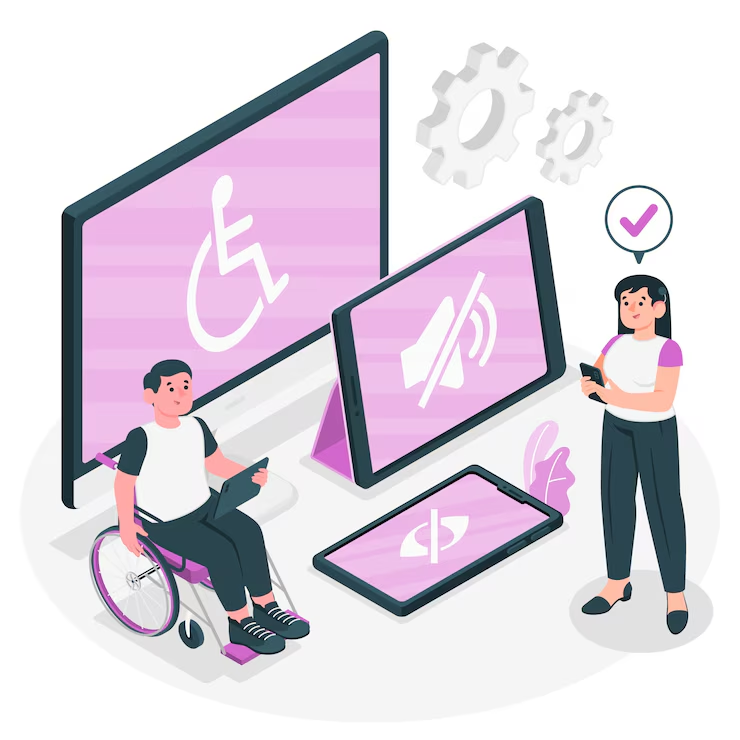
When was the last time you tried navigating a website with your keyboard or had a screen reader describe an image? For millions of users, this isn’t optional. Accessibility in web apps isn’t just about inclusivity; it’s about building better digital experiences for everyone.
Whether you're a developer, designer, or product owner, accessibility should be a core part of how you think about UX and frontend development. It's not a bonus feature; it's a fundamental aspect of quality.
In this article, we dive into what it truly means to make web applications accessible, from real-world challenges to practical coding solutions. Accessibility shouldn't feel like an afterthought, especially when it's closely tied to core UI and UX practices.
Why Accessibility Matters in 2025 and Beyond
We live in a world where digital services are not just a convenience, they're a necessity. From managing finances and scheduling medical appointments to attending virtual classrooms and shopping online, web applications have become essential to daily life. Yet for a significant portion of users, these services remain partially or entirely inaccessible.
According to the World Health Organization’s 2023 global report on disability, over 1.3 billion people, that’s nearly 16% of the global population, experience significant disability. A number that continues to grow as populations age and awareness of invisible disabilities increases. Ensuring accessibility isn’t just the right thing to do; it’s fundamental to building equitable, future-ready digital platforms.
Key reasons accessibility should be prioritized:
Legal Requirements: In regions like the EU and the US, failure to meet accessibility standards (like WCAG or ADA) can lead to lawsuits.
Expanded Audience: Making apps accessible opens your product to a wider user base.
Better UX for All: Accessibility improvements often benefit everyone, not just users with disabilities (e.g., captions for videos in noisy environments).
SEO Advantage: Search engines reward semantic HTML and proper labeling—core principles of accessible design.
Accessibility is both a human rights issue and a smart product decision.
Understanding the Principles of Accessible Design
To build accessible web applications, it helps to ground your work in the four main principles from the Web Content Accessibility Guidelines (WCAG), a framework every app developer should familiarize themselves with, whether you're improving an existing product or starting fresh with a new app development project:
Perceivable: Information must be presented in ways users can perceive (e.g., screen readers, text alternatives).
Operable: Users should be able to interact with all functionality (keyboard-friendly, no time-based hurdles).
Understandable: Content must be readable and predictable.
Robust: Content should work with current and future assistive technologies.
These four principles aren’t just theory. They guide everything from color contrast to button structure.
Common Accessibility Pitfalls in Web Apps
Even well-intentioned teams often overlook the basics. Some of the most common accessibility issues in web apps include:
Missing alt text on images
Improper form labels or missing ARIA tags
Poor contrast between text and background
Inaccessible navigation or menus that don’t support keyboard control
Dynamic content (like modals or carousels) that confuses screen readers
A 2024 WebAIM report found that 96.3% of the top 1 million websites had detectable WCAG 2.1 failures on their homepage.
Avoiding these pitfalls requires ongoing audits and a culture of accessibility awareness in every sprint.
Tools That Help with Accessibility Testing
Luckily, there’s no shortage of helpful tools to test and fix accessibility issues.
Popular Accessibility Tools:
axe DevTools (by Deque): A browser extension for catching violations as you code.
Lighthouse (Google Chrome): Offers a full accessibility audit.
NVDA (Windows screen reader): Lets you experience your site the way blind users would.
VoiceOver (macOS/iOS): Another powerful screen reader.
Wave (WebAIM): Gives a visual representation of your page’s accessibility.
Use these tools regularly during development, not just before launch.
For projects built using component-based libraries like React or Vue, consider adding accessibility checks to your CI/CD pipelines.
Semantic HTML: The Foundation of Web Accessibility
Forget fancy ARIA tags for a moment. The best accessibility starts with clean, semantic HTML.
Key practices include:
Use <button>, <header>, <nav>, <main>, and <footer> appropriately
Headings (<h1> to <h6>) must follow a logical order
Lists should be actual <ul>, <ol>, or <dl> tags
Use <label> elements linked with the for attribute in forms
This not only improves screen reader navigation but also enhances your site's structure and searchability.
How JavaScript Impacts Accessibility
JavaScript isn’t the enemy, but it does complicate things. Single Page Applications (SPAs), modals, and dynamic updates can trip up assistive tech.
Here’s what to watch for:
Focus management: Ensure users are directed to new content (e.g., on modals or after form submission).
Keyboard traps: Avoid scenarios where a user gets stuck in an element.
ARIA live regions: Announce changes dynamically (e.g., form errors, status updates).
Frameworks like React and Vue offer libraries and guidelines for better accessibility—use them.
We often revisit accessibility when integrating backend logic into the frontend, especially for real-time features like chat, notifications, or live data updates.
Designing for Screen Readers and Keyboard-Only Users
Visual design alone isn’t enough. Many users rely on screen readers or keyboard navigation to interact with web apps.
Tips for screen reader and keyboard accessibility:
Always use tabindex wisely for custom components
Use role attributes when semantics are not clear
Ensure logical tab order
Include aria-label, aria-labelledby, and aria-describedby as needed
Test with real screen readers like NVDA or VoiceOver
A great way to think about this: If someone can't see your site or use a mouse, can they still accomplish every critical task?
Real-Life Example: Making a Booking App Accessible
We recently worked on a travel booking platform where accessibility was a priority. The app was built using React and had dynamic modals, real-time form validation, and calendar components.
Accessibility Enhancements We Implemented:
ARIA roles and announcements on date pickers
Keyboard support for dropdowns and calendar
Focus traps on modal windows
Dynamic field error reporting with screen reader compatibility
The result? A user experience that worked smoothly for both visual users and screen reader users—without compromising performance.
Accessibility Is Not a One-Time Fix
The biggest mistake teams make is thinking accessibility is something to "check off" before a release. It’s not. It’s a process, a mindset.
Make accessibility a habit by:
Including accessibility in your definition of "done"
Running automated and manual accessibility checks each sprint
Documenting accessibility standards in your design system
Educating every team member, not just developers
This helps ensure your app stays accessible as it evolves.
Final Thoughts: Build with Everyone in Mind
Accessibility isn’t about ticking legal boxes. It’s about building software that works for everyone, regardless of ability or context.
When you treat accessibility as a core part of development, from wireframing through to testing, you make better products, serve more users, and stand out as a thoughtful, forward-thinking team.
Inclusive design means thinking beyond the average user, making sure interfaces work for everyone, regardless of ability or context. If you're looking to understand how thoughtful design can shape better user experiences, this frontend development approach breaks it down with practical examples and considerations.